
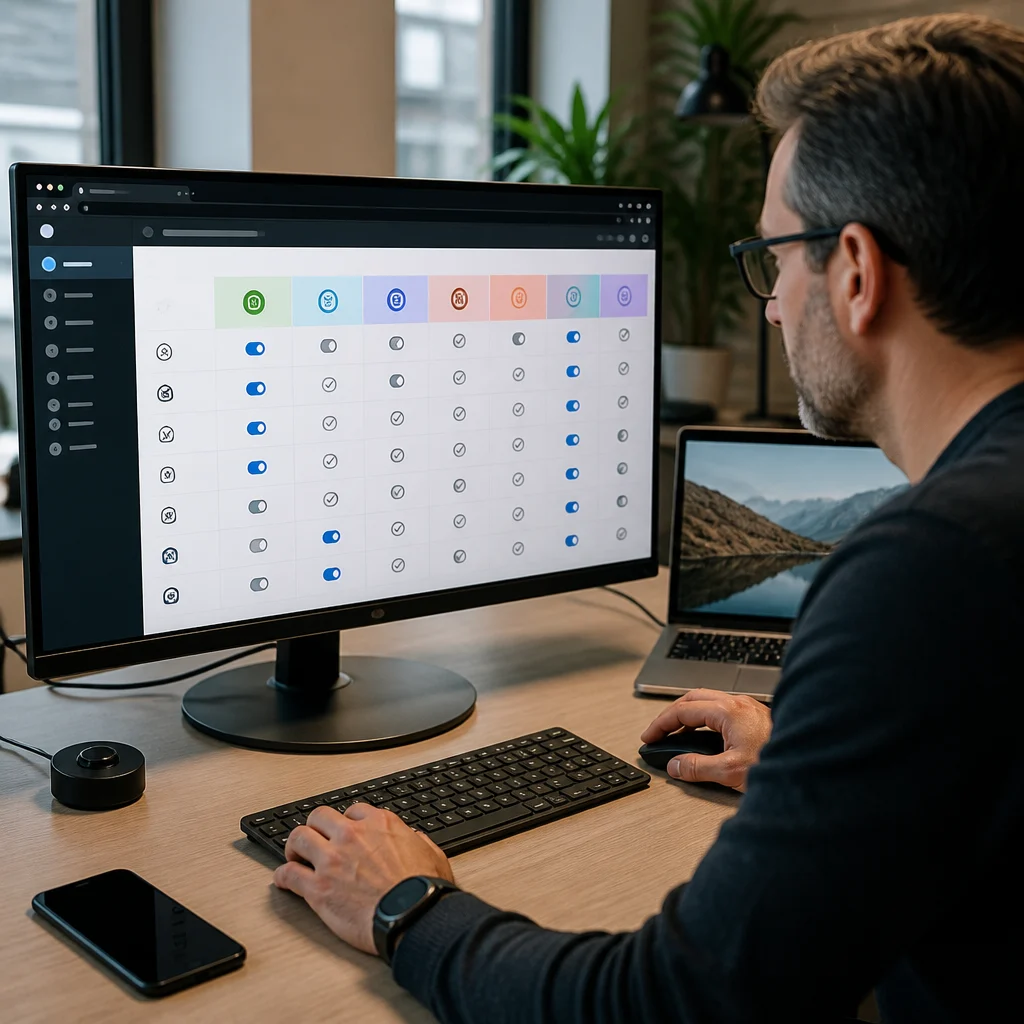
AI Provider Matrix: How to Choose the Right Model in Antradus AI
AI provider matrix answers a simple but costly question: which model can actually perform the feature you clicked inside Antradus AI on WordPress, right now, without throwing an error or greying the option out? The Provider Capability Matrix lays that out clearly for Antradus AI Lite and every paid plan.
A greyed-out image button. A failed vision request. A bulk job that runs but skips web search. That is usually not a bug. It is a provider capability issue, and Antradus AI exists to make those differences manageable inside WordPress instead of leaving you to guess.
Antradus AI is a WordPress AI plugin that connects your site to multiple model providers for content generation, images, transforms, vision tasks, and publishing workflows. The provider matrix matters because the plugin can only expose features your selected provider actually supports.
What does the AI provider matrix show?
The AI provider matrix shows which providers support which core features inside Antradus AI, and it is the fastest way to diagnose why a tool works with one API key but not another.
The matrix covers five providers: OpenAI, Anthropic through Claude, Google Gemini, OpenRouter, and DeepSeek. It maps them against the capabilities that matter in day-to-day publishing: article writing, image generation, vision for product-from-photo tasks, live web search, free-tier model access, in-editor assistant and transforms, and bulk publishing.
That sounds dry until you hit a real workflow problem. Say you are writing product pages in WordPress and want to generate a hero image, inspect a source photo, and pull fresh web information in one pass. A provider that handles text alone will not carry that whole job. The AI provider matrix makes that mismatch visible before you waste prompts, credits, and time.
Provider support moves fast, model names change, and search or image features often depend on a narrower subset of models than the brand name suggests.
One page to answer “why is this feature greyed out or erroring?”: every feature against every provider, plus how to combine providers smartly.
And that is exactly the right frame. This is less about marketing claims and more about operational fit inside a working WordPress setup.
Which providers support each feature in the AI provider matrix?
The AI provider matrix shows that no single provider wins every category cleanly, although OpenAI and Gemini come closest if you want one key to cover the broadest set of tasks.
| Provider | Article writing | Image generation | Vision | Live web search | Free-tier models | Bulk publishing note |
|---|---|---|---|---|---|---|
| OpenAI | Yes | Yes, via gpt-image / DALL·E | Yes | Limited to search-capable models such as gpt-5 / gpt-4o | No | Yes |
| Anthropic (Claude) | Yes | No image API | Yes | Yes | No | Yes |
| Google Gemini | Yes | Yes, via Imagen | Yes | Yes, with Google grounding | No | Yes |
| OpenRouter | Yes, 200+ models | Yes, Flux and compatible models | Model-dependent | Yes, any model | Yes, marked with FREE labels | Yes, but no web search and no images in bulk publishing |
| DeepSeek | Yes | No | No | No | No | Yes, but no web search and no images in bulk publishing |
OpenAI covers article writing, image generation, vision, and search, but search works only on search-capable models such as gpt-5 and gpt-4o. That is a meaningful limitation. Choosing the wrong OpenAI model can make a supported feature look broken when the provider brand itself is not the issue.
Claude handles writing, vision, and live web search, but Anthropic does not offer image generation through an image API here. If images matter, Claude alone is not enough.
Gemini is broad. It supports writing, images through Imagen, vision, and live web search using Google grounding. For a one-provider setup inside WordPress, Gemini is one of the clearest all-round choices in the matrix.
OpenRouter brings width. It offers 200+ models, free-model labels, image support through Flux and compatible options, and search support. But vision is explicitly model-dependent, so you have to inspect the selected route or model rather than assume platform-wide parity.
DeepSeek is the narrowest of the five: writing works, while image generation, vision, live web search, and free-tier labels are not supported.
How should you choose a provider in Antradus AI?
You should choose a provider in Antradus AI based on the exact mix of writing, image, search, and vision work you do in WordPress, not on brand recognition alone.
There are four practical pairings. If you want everything from one API key, OpenAI or Gemini are the recommended choices because they cover writing, images, vision, and search in one stack. That matters for simpler site administration, fewer keys to manage, and fewer chances of choosing an incompatible model halfway through a workflow.
If your priority is pure writing quality and images are occasional, Claude is the pick for text. But there is a trade-off: there is no image generation, so you need a second provider whenever the article also needs artwork. That is a clean setup for editorial teams that care most about long-form output and can tolerate a split workflow.
If cost comes first, OpenRouter is the budget play. Use an OpenRouter model with a FREE label for writing. There is a catch, though. Quality can vary, and providers behind free models often retain or train on prompts. That is not a minor footnote if you draft client work, unpublished posts, or sensitive product copy.
If privacy matters most, use paid API tiers across the major providers. Paid API traffic is generally excluded from training, but check each provider’s current terms. That is the right level of caution for 2026 because privacy policies differ between chat products, API products, and model marketplaces.
Common setups that actually make sense
A solo publisher who wants simple operations will lean toward OpenAI or Gemini. A content agency that separates drafting from finishing can use a low-cost OpenRouter model for first-pass bulk output, then rerun priority pieces on a flagship model. And a team handling confidential drafts should avoid free-model workflows altogether.
That is where the AI provider matrix becomes more than a chart. It becomes a planning tool.
How do switching and model selection work inside Antradus AI?
Switching providers in Antradus AI is instant and non-destructive because keys are stored per provider, so changing the active provider in settings does not erase earlier configuration.
That small detail solves a real operational problem in WordPress. You do not need to rebuild the whole plugin every time you want to compare OpenAI against Gemini, or Claude against OpenRouter. You can keep multiple keys stored, flip the active provider, and test output or feature availability with minimal friction.
One thing many users miss: every generation uses whatever Model or Image Model is selected at that exact moment. That applies across articles, meta generation, transforms, bulk jobs, and image creation. So if a result changes sharply, the provider may not be the only variable. The selected model can be the real cause.
This matters even more with mixed providers. An OpenRouter setup, for example, can behave very differently from one model to the next because the marketplace exposes many back-end models. Vision is model-dependent there, so a successful text workflow does not guarantee image understanding on the next request.
The Reporting page records usage per model so you can compare real costs. That is one of the most practical tools here. Estimated pricing is useful; measured usage inside your WordPress workflow is better. If one model drafts ten product descriptions acceptably at half the cost of another, your reporting data will show it.
And there is a professional workflow worth copying: bulk-write a batch on a cheap or free model, then regenerate only the most important articles on a flagship model. For agencies, affiliate publishers, and stores with large catalogs, that is a rational way to balance cost against quality.
What are the limits and trade-offs in the AI provider matrix?
The AI provider matrix makes the trade-offs explicit: broad capability often costs more, cheap models can bring quality or privacy compromises, and some features depend on model selection rather than provider name.
Claude’s limitation is straightforward: no image generation in this matrix. That is a hard blocker if your workflow includes featured images or album creation inside Antradus AI. DeepSeek has an even stricter limit. It handles article writing, but not image generation, vision, live web search, or free-tier access.
OpenAI has wide support, but live web search is limited to search-capable models such as gpt-5 and gpt-4o. Pick a non-search model and the capability disappears. Gemini is broad, though teams still need to confirm that their selected model path aligns with the image and grounding features they expect.
OpenRouter is flexible and often cheaper, yet that flexibility is exactly why you need discipline. Support can vary by model. There is also a bulk publishing caveat: no web search and no images for that path. If your editors assume bulk jobs can perform everything a manual generation can do, they will hit avoidable failures.
Privacy deserves another blunt note. Free-model providers often retain or train on prompts. If you are drafting unpublished client work, legal copy, health content, or internal product strategy, that alone can rule out the lowest-cost route.
So the chart is not just about what works. It is about what breaks, what costs more, and what should never be used for certain drafts.
What should you do with the AI provider matrix now?
You should use the AI provider matrix as a setup checklist inside Antradus AI before you commit to one provider, one pricing plan, or one publishing workflow in WordPress.
Start with your real tasks. Do you need article writing only? Writing plus images? Vision from product photos? Live search for current facts? Match those needs against the Provider Capability Matrix.
Then test with intent. Save keys for more than one provider, switch active providers, and compare results using the exact model you plan to use in production. Check the Reporting page after a few live runs so you are choosing based on measured usage, not assumptions.
If you want the simplest all-in-one path, begin with OpenAI or Gemini. If writing quality is your north star, keep Claude in the mix and add a second provider for images. If budget is tight, use OpenRouter carefully and keep sensitive drafts off free-model paths. And if you only need straightforward text generation, DeepSeek remains a narrower but clear option.
That is the practical value of Antradus AI. It gives WordPress users one place to manage multiple AI providers, and the matrix tells you exactly where each one fits before a failed generation tells you the hard way.