
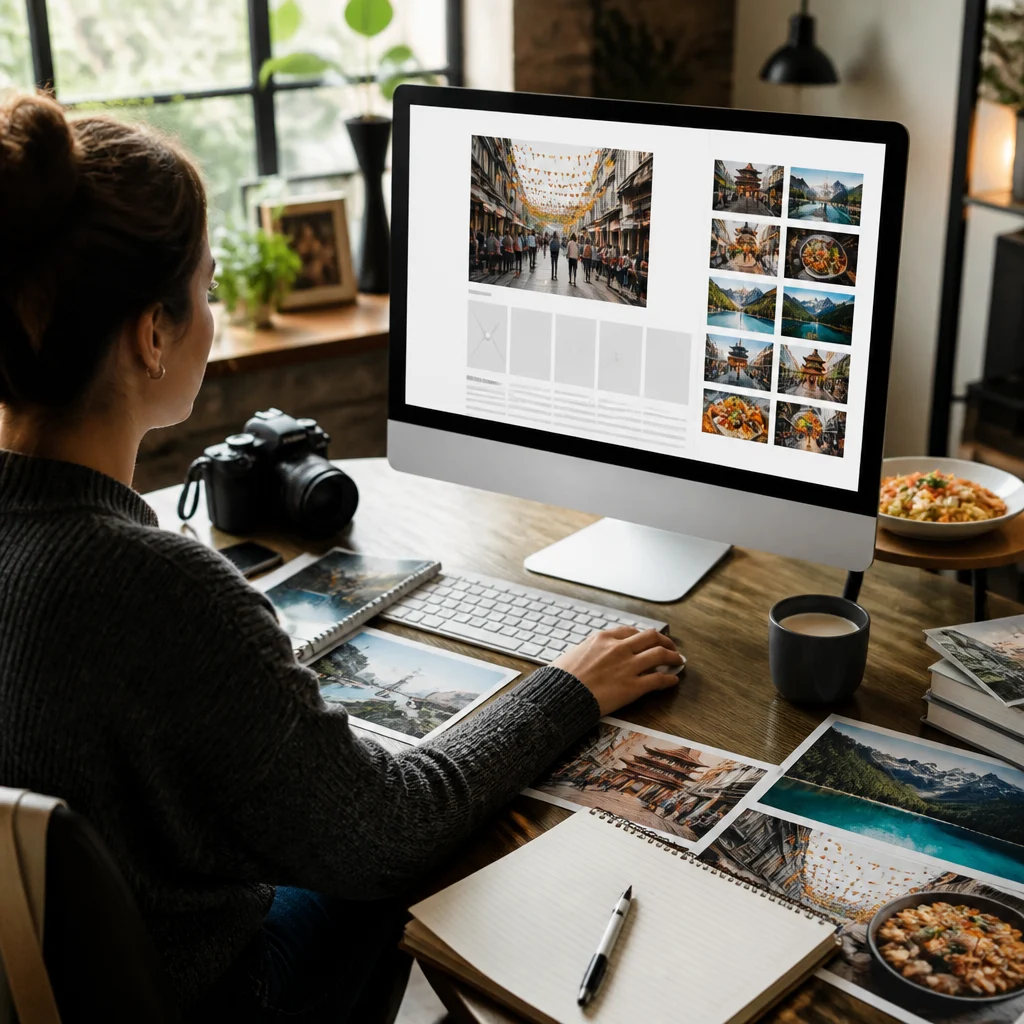
Album Generation Guide for WordPress Publishers Using Antradus AI
Album generation in Antradus AI turns one finished WordPress article into a set of up to 9 related images, each based on a different scene pulled from the text, then lets you insert the full set as a gallery or choose one image as the featured image. The documentation source is https://antradusai.com/docs/album-generation/.
You publish a long article, scroll back up, and realize a single header image will not carry the piece. A travel guide needs street scenes, a food post needs plating shots, a lifestyle article needs moments throughout the page. That is exactly where Antradus AI aims its album generation tool in 2026.
Antradus AI is a WordPress-focused AI plugin that helps you create and enrich posts inside the editor. In this part of the product, it reads the article already in your editor, plans several separate visual scenes from the content, and then generates them one by one. The point is simple: you get a coherent set of images tied to the article itself, not a random batch of near-duplicates.
What is album generation and why does it matter?
Album generation in Antradus AI matters because it solves a practical publishing problem: many posts need a visual sequence, not one isolated image. According to the documentation for Antradus AI Pro v2.1.1, last updated on 2026-08-02, the feature can design and draw up to 9 different scenes from one article.
That makes it useful for long-form posts where images need to appear through the body, not only at the top. The documentation calls out travel, food, and lifestyle content in particular. That makes sense. Those formats often depend on visual pacing, and readers stay engaged longer when the article is broken up with relevant imagery.
The feature also changes how you pick a featured image. Instead of generating one image, rejecting it, and trying again, you can create a small set tied to different moments in the article. Then you either insert them all as a gallery or click one image and use it as the featured image. That gives you a faster editorial workflow inside WordPress, especially if you publish more than once a week.
And there is a quality advantage hiding in the workflow. The tool does not just create nine variations of the same prompt. It plans nine distinct scenes or aspects from the article, which gives the gallery more range and makes the post feel intentionally illustrated rather than padded.
How does album generation work in Antradus AI?
Album generation in Antradus AI works by reading your article in the WordPress editor, planning separate scenes from the text, and then generating each image in sequence. The process starts only after the article is already in the editor, whether you wrote it yourself or generated it earlier.
From there, you open Album Generating in the Antradus AI panel. You choose how many images you want, with a maximum of 9. The documentation says the default image count can be changed in settings under Album Size, which matters if your team tends to publish with a fixed visual format.
You can stop there and let the tool decide the scenes. Or you can take control. The description box accepts your own custom scene list, one scene per line, which overrides the AI’s scene planning. The examples in the documentation are intentionally simple: “life is short, live it up.”, “a car with wings”, and “rice with chicken.” That override is more useful than it looks. If your article includes abstract ideas, mixed topics, or a brand-specific visual direction, you can force exactly the moments you want illustrated.
Then you click Generate Album. The tool first designs the scenes, then draws them one by one. Progress appears per image, so you can see the batch move forward instead of guessing whether the system stalled. Once generation is finished, you have two direct publishing choices inside WordPress: insert the entire set as a gallery into the post, or assign one of the generated images as the featured image.
How are the scenes planned instead of repeated?
Scene planning in album generation is designed to avoid repetition by extracting distinct moments or aspects from the article rather than making multiple versions of one prompt. That is one of the strongest parts of the Antradus AI approach described in the documentation.
Why does that matter? Because a weak image batch often looks like this: same composition, same subject, same mood, repeated six or seven times with tiny differences. That is fine for choosing a single hero image. It is poor for a gallery. A gallery needs progression. One image should introduce the subject, another should show a detail, another should shift the setting, and another should capture a different part of the narrative.
Antradus AI handles that by treating each image as its own scene. The documentation says each generated scene description also becomes that image’s Media Library title and alt text. That detail matters for two reasons. First, it saves editing time after generation. Second, it gives the uploaded images usable metadata inside WordPress instead of leaving you with a stack of unnamed files that all require cleanup.
There is also a consistency layer. The same style preset, color cast, image shape, and image quality apply across the whole album. So while the scenes differ, the set still feels visually unified. For publishers building destination guides, recipe posts, or list-style editorial pieces, that consistency makes the gallery look planned by an editor rather than assembled from unrelated prompts.
“The AI extracts nine distinct moments/aspects from your article — each image gets its own scene description, which also becomes its Media Library title and alt text.”
Antradus AI documentation, album generation page
Which providers, settings, and costs affect album generation?
Album generation depends on your image provider, your visual settings, and your batch size, and those three factors decide both output quality and total cost. The Antradus AI documentation states that album generation uses the same provider requirements as featured images: OpenAI, Gemini, or OpenRouter.
| Factor | What the documentation says | Why it matters in WordPress |
|---|---|---|
| Providers | OpenAI, Gemini, or OpenRouter are required | You need one supported provider connected before album generation works |
| Image count | Up to 9 images per album | Larger galleries create more visual coverage but increase spend |
| Quality setting | Affects the cost strongly on 9-image batches | High quality can multiply costs across the whole album |
| Shared visual settings | Style preset, color cast, image shape, and image quality apply to the whole album | Keeps the gallery visually consistent inside one post |
| Cost tracking | The Reporting page tracks exact image costs | You can audit spending post by post |
Every generated image triggers its own provider charge. The documentation is blunt about it: 9 images means 9 image-generation charges. If you run a high-volume WordPress site, that is not a side note. It is budgeting information. A batch that feels cheap at 2 images can become expensive at 9, especially if you have raised the quality setting.
OpenAI, Gemini, and OpenRouter each matter here because Antradus AI does not treat the provider as optional plumbing. One of those providers must be available for the feature to work. The documentation does not compare provider pricing or output differences on this page, so the honest reading is narrow: they are supported requirements for image generation, not subjects the page evaluates in detail.
The Reporting page gives you exact image-cost tracking, which is one of the better operational details in the feature. You are not left estimating. You can see what image creation cost you after the fact and adjust album size or quality before your next large content batch.
What are the limits and trade-offs of album generation?
Album generation has clear trade-offs: no text appears inside images, failures can happen mid-batch, and large albums can get expensive fast. Antradus AI does not hide those limits in the documentation, which is good product writing and even better budgeting advice.
The no-text rule is straightforward. Album images carry no text, for the same reason featured images do not. If your content plan depends on quote cards, labeled diagrams, or promo-style thumbnails with headlines burned into the image, this feature is not built for that job.
Then there is cost. A 9-image album is not one generation event in billing terms. It is 9 separate image-generation charges from your provider. The page specifically warns that on a 9-image album, the quality setting is the difference between a cheap batch and an expensive one. So if you are testing layouts, start small. Two or three images can tell you a lot before you commit to the full count.
There is one reassuring limit too. If one image fails in the middle of the album, the remaining images continue to generate. You do not lose the whole batch because one step broke. That matters on longer WordPress workflows where waiting for a complete retry would waste time and extra credits.
- Use smaller albums for routine posts and reserve 9-image sets for long-form pieces.
- Set quality carefully before large runs.
- Use custom scene lines when the article includes abstract or mixed topics.
- Check the Reporting page after publishing to see real provider cost.
What should you do with album generation in 2026?
You should use album generation in Antradus AI when one WordPress post needs several distinct visuals tied closely to the article’s actual content. That means destination guides, restaurant roundups, personal essays with scene changes, recipe posts, and any long page where a single featured image feels thin.
Start with a completed draft in the editor. Pick a small image count first unless the piece clearly needs a full gallery. If the AI would struggle to infer the right moments, write your own scene list one line at a time. Then generate, review the batch, insert the full gallery if it strengthens the post, and promote the strongest frame to featured image.
For WordPress publishers, that is the practical value of Antradus AI: it turns article text into a coordinated set of visuals without forcing you out of your writing workflow. And if you need the exact reference page behind the feature, use the official documentation here: https://antradusai.com/docs/album-generation/.